
A declined application can leave you wondering why. Before applying again, it is useful to review your CCRIS report and the information recorded about your credit accounts and repayment history. You can check CCRIS online without paying a fee for the report through Bank Negara Malaysia’s eCCRIS portal. The process…
Table of contents
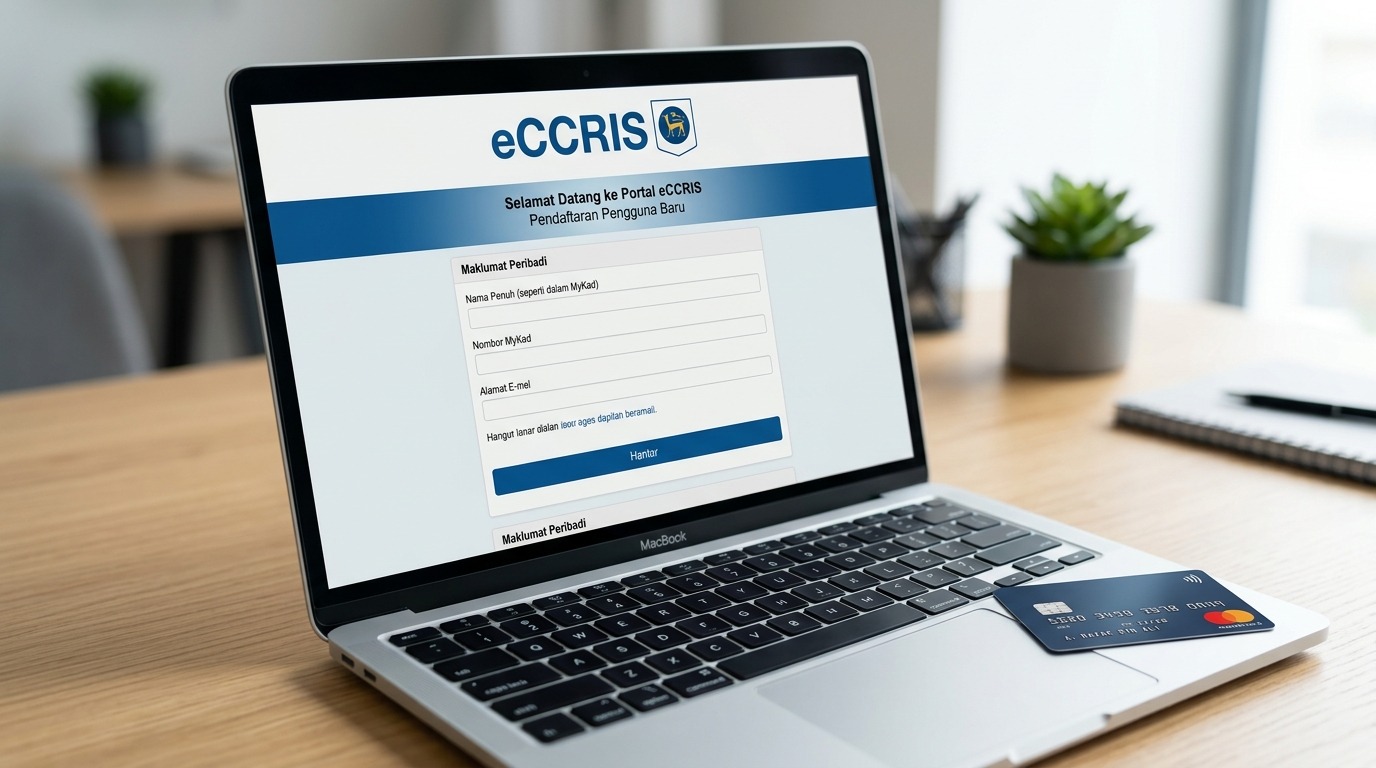
A declined application can leave you wondering why. Before applying again, it is useful to review your CCRIS report and the information recorded about your credit accounts and repayment history. You can check CCRIS online without paying a fee for the report through Bank Negara Malaysia’s eCCRIS portal. The process involves registering an account, completing identity verification and accessing your report online. This guide explains how to register for eCCRIS, complete the RM1 verification transfer, view and download your CCRIS report, and understand the key information it contains before you submit another application.
What Your CCRIS Report Shows (Short Recap)
CCRIS records credit information reported by participating financial institutions. It includes outstanding credit, special attention account information, applications for credit and 12 months of repayment data. Reviewing these details can help you understand your current credit commitments and identify any information that may need clarification before applying for new financing. See our guide on what a CCRIS report contains.
Is Checking Your CCRIS Free?
Yes. A free CCRIS check online through eCCRIS is available to eligible Malaysian individuals. During registration, new users make a RM1 transfer from their own internet banking account for digital identity verification. BNM says the RM1 is automatically refunded within two working days.
A credit reporting agency, including CTOS, Experian or Credit Bureau Malaysia, may charge for its own services.
How to Register for eCCRIS Online: Step by Step
To check CCRIS online, use the official BNM portal. Register for eCCRIS only through the official site.
- Go to eccris.bnm.gov.my and select “Register Now”.
- Enter your name, MyKad, date of birth, mobile number and email, then accept the terms.
- Select your bank and make the RM1 transfer using your own internet banking account.
- Enter the 6-digit OTP when prompted. BNM’s registration guidance states that it is valid for seven days.
- Create your User ID and password.
- Set the security image, security phrase and security questions.
- Select “Proceed to First Time Login” or follow current activation instructions.
- Log in and open “Enquiry” → “Self Enquiry – Individual” to request your report.
The portal requires multi-factor authentication. Follow the instructions shown by eCCRIS.
How to View and Download Your CCRIS Report
After logging in to eCCRIS, use the Enquiry section to access your CCRIS report online and save a copy. Before an application, a recent report helps spot outstanding balances or arrears.

Other Ways to Get Your CCRIS Report
If you cannot access eCCRIS, there are other ways to obtain your CCRIS report. The available options depend on your eligibility and whether you need online or in-person access.
| Method | Who it suits | Cost | Time |
| eCCRIS | Malaysian MyKad holders with internet banking | Free | Online |
| AKPK kiosk | Individuals needing in-person access | Free | Visit required |
| BNMLINK / eLINK | Non-Malaysians and companies | Check BNM process | Form/document process |
| Credit bureaus | Users seeking additional reports | May be paid | Provider-dependent |
There is no official full CCRIS report service by SMS.
How to Read Your CCRIS Report
To understand how to read a CCRIS report, check the outstanding balance and credit limit, then review “months in arrears.” A 0 means no arrears reported for that month; higher figures indicate missed instalments. Also check special attention accounts and recent applications.
CCRIS does not provide a credit score. CTOS and Experian may provide scores in their own reports. See our guide to CCRIS vs CTOS and how to check the details of your CCRIS report.
What to Do If Your CCRIS Record Looks Bad
A bad CCRIS or CTOS record does not automatically determine the outcome of every application. If you have arrears, bring the account up to date and allow the information to be updated. Avoid multiple applications in quick succession.
A licensed money lender may also assess income, commitments and DSR. AKPK can provide financial counselling.

Common Problems During eCCRIS Registration
An expired OTP may require you to repeat the verification process. The RM1 transfer should come from your own account. If you use a loan app, never share your eCCRIS login details or OTP with the provider.
Non-Malaysian individuals and companies use eLINK. For access problems, contact BNMTELELINK at 1-300-88-5465 or +603-2174 1717 overseas.
Yes. Your own report is available through eCCRIS for free. The RM1 transfer is for verification and is refunded within two working days.
Paying arrears does not erase the previous 12 months of repayment history. The settled status is reflected in the current month.
No. You need to register and authenticate an eCCRIS account. MyKad is part of the process for eligible Malaysian individuals.
No. CCRIS provides factual credit information and repayment history. It does not assign a score.
CCRIS reflects data reported by participating financial institutions and is updated periodically. Use a recent report.
Yes. Non-Malaysian individuals use BNM’s eLINK process rather than standard registration for Malaysian MyKad holders.
Check Your CCRIS Before Applying
If you want to know how to get a CCRIS report, eCCRIS is the official starting point for eligible users. Checking CCRIS online can help you understand your credit information before applying.
Review your report and commitments first. Nimbura offers an online application process for eligible users, and approval is subject to assessment.
Disclaimer: BNM may change the eCCRIS procedure. Check the latest instructions on the official BNM/eCCRIS website before registering.